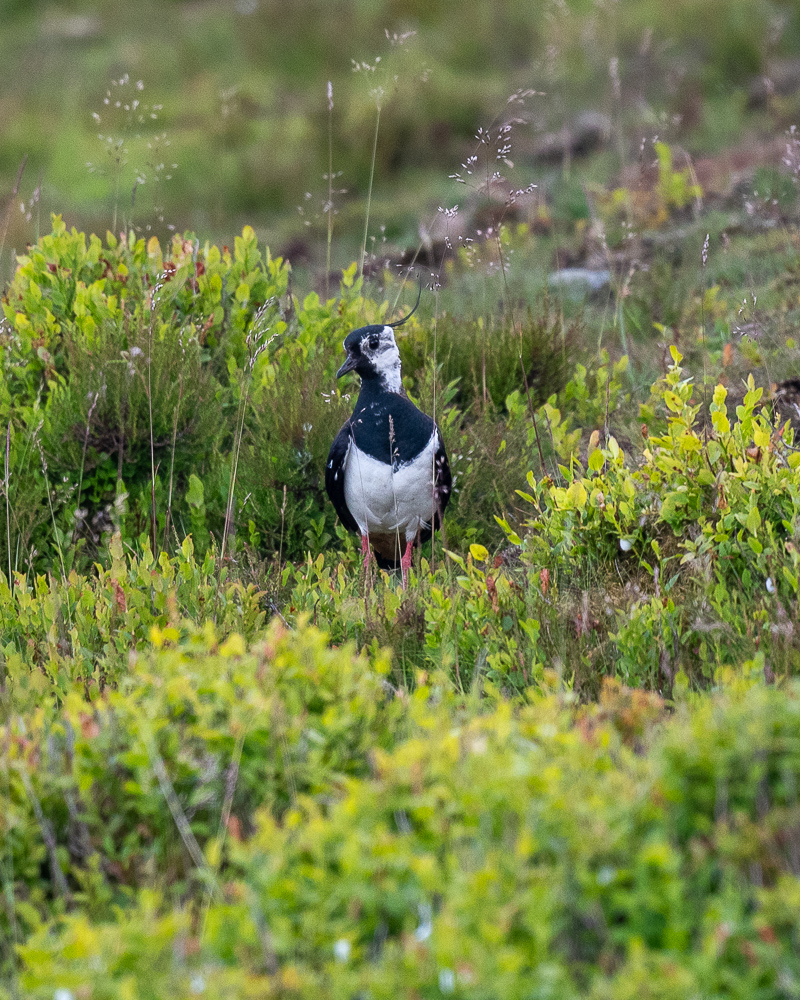
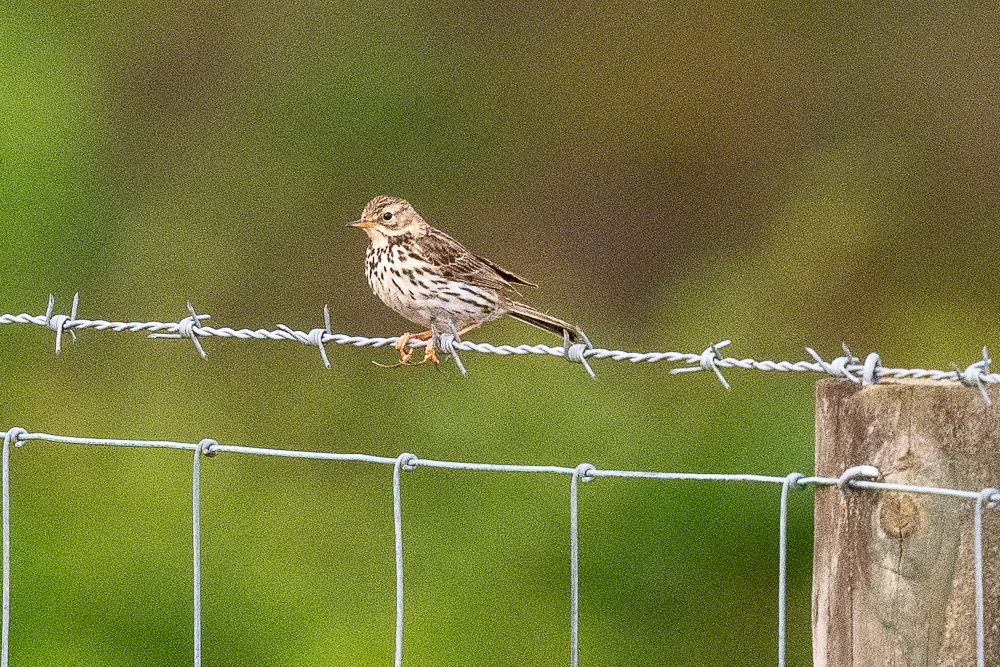
What's gone wrong with my owl?

JimL

New member
I have just started using d500 / 500 pf (previously d780 / 200-500). My main interest is birds. I have been interested for years but never really devoted enough time to this.

So yesterday I was on bird reserve. Most shots were good/ok but I am puzzled why I didnt get a good shot of this short-eared owl in front of a hide.

In all examples I had f/5.6, manual mode, auto iso and adjusted the shutter speed between 1/000 and 1/3200. I can't remember what I did with VR for high shutter speeds. I had it on for lower speeds, but I thought the setting would not be relevant for higher speeds. In the owl image there seems to be motion blur even though the shutter speed was 1/3200 - which I didnt think would be possible. Maybe VR was on and made it worse - is that possible?
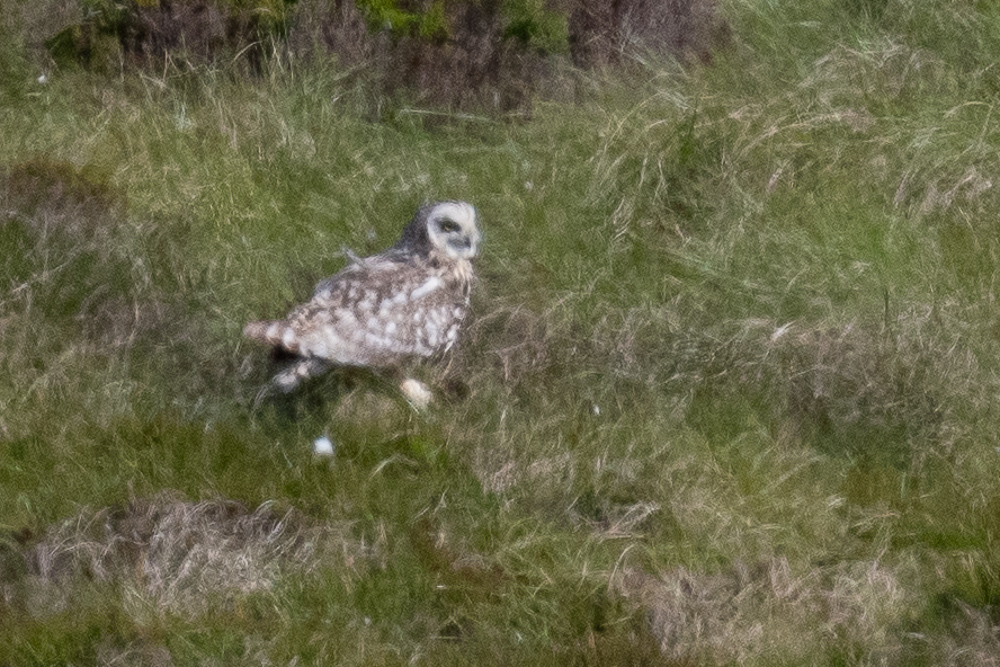
d500-3.jpg


Lawing 1/1000 VR on:

d500-4.jpg


Lapwing in flight: 1/3200 - not sure of VR setting, probably left it on
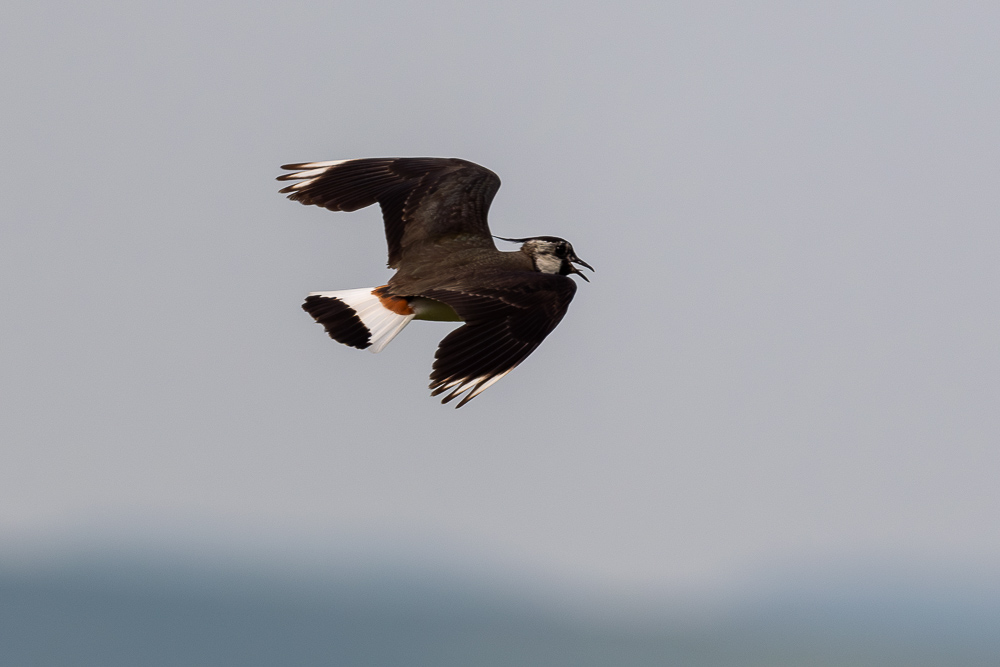
d500-5.jpg


Meadow Pipit 1/3200 ? VR on or off


d500-1.jpg

(PS I am new here - so happy to be advised on forum etiquette / conventions for posting images ...)
 

BF Hammer

Senior Member
Were you mechanically stabilized with VR on? As in resting on something or monopod?

I have used VR with monopod though without problem. There are stories of blurred photos being caused by using a lens hood. Sun heats the black hood, thermals happen within. The fix is to remove the hood. I am trying to be mindful of that more, but have not been forced to taking action yet.
 

JimL

New member
Thanks BF. All pics were handheld, although for the owl I was in a hide, seated with my elbows on a shelf - so quite stable. I used to use a tripod for landscape photography, but for birds I find it rather cumbersome. I did try monopod, but didn’t particularly like that either.
 

JimL

New member
Thanks Nikonpups. Yes all the owl shots were bad. I took several bursts and they were all similar. I had better results a couple of weeks before with my emergency backup of D3300 and 18-200 mm dx lens !
 

nikonbill

Senior Member
Contributor
Your other examples being "as they should be" I'm curious what focus selection was used for the owl?

Single point - group or another
 

JimL

New member
Your other examples being "as they should be" I'm curious what focus selection was used for the owl?

Single point - group or another
Hi Nikonbill. Autofocus mode was the same for all - 153 points AF-C. I don’t think it’s a focusing issue as there doesn’t seem to be anything in focus either in front or behind the owl- also none of the other similar images I took look sharp. If you look at some of the bits of grass it looks to me like a sort of double image- like caused by motion. Yet at the shutter speed I was using I didn’t think that was possible. It’s very odd. I am thinking maybe some kind of malfunction with VR, although that’s a bit of a guess.
 

nikonbill

Senior Member
Contributor
Hi Nikonbill. Autofocus mode was the same for all - 153 points AF-C. I don’t think it’s a focusing issue as there doesn’t seem to be anything in focus either in front or behind the owl- also none of the other similar images I took look sharp. If you look at some of the bits of grass it looks to me like a sort of double image- like caused by motion. Yet at the shutter speed I was using I didn’t think that was possible. It’s very odd. I am thinking maybe some kind of malfunction with VR, although that’s a bit of a guess.
Thanks, I agree it does look like something else, but I have had my D500-200/500 do something similar when experimenting with that focus mode. I'm not sure if you use back button focus but if you do you can program other buttons for different focus modes. As an example I have single point on my joystick and group on the fn1 button the AFon is set for the conditions on the day. In my shooting (lots of dense foliage birds) when I use dynamic points I go to the lest pattern (25 for the D500) when things are dense. Single point seems the best for me when everything looks the same in a scene.

Your scene in question does not have a lot of contrast for the focus screen to work on, for that owl I would have used single point. Especially with your well described position in the blind.

I do not have the 500pf (yet - its on my list soon) but I would be very surprised if the VR was at fault. The above is just something to try.
 

JimL

New member
Thanks, I agree it does look like something else, but I have had my D500-200/500 do something similar when experimenting with that focus mode. I'm not sure if you use back button focus but if you do you can program other buttons for different focus modes. As an example I have single point on my joystick and group on the fn1 button the AFon is set for the conditions on the day. In my shooting (lots of dense foliage birds) when I use dynamic points I go to the lest pattern (25 for the D500) when things are dense. Single point seems the best for me when everything looks the same in a scene.

Your scene in question does not have a lot of contrast for the focus screen to work on, for that owl I would have used single point. Especially with your well described position in the blind.

I do not have the 500pf (yet - its on my list soon) but I would be very surprised if the VR was at fault. The above is just something to try.
Good points - thank you. I will look through the images again and see if I can see where the camera might have focused (the version I showed here has been cropped). I can put the card back in the camera and then view them and there is an option to show focus point. I’m not sure if there is a way to do that out of the camera?
Previously I had been concentrating on a bird in flight against the sky - so the wide range of focus points made sense. But I can see your point that in this situation fewer points - or a single point- would make more sense. Yes I have just started using the back button. I haven’t programmed other buttons - but I will look into that.
 

nikonbill

Senior Member
Contributor
Give yourself time with BBF it took a while for me. It's not "nessasary" but it helped me

You can use NX Studio to show the focus point/s easily - it's free from Nikon the nice thing with the Nikon software is it show what the camera/lens did do (what point hit where).

I use Affinity by canva for editing. Many editors have a means to show focus (not sure what you use) Affinity has a focus analysis button to show you what is in most focus on RAW files. I use that a lot.

You have a great system and you will find what works for you.
 

hark

Administrator
Staff member
Super Mod
Contributor
Are you using AF-C? If so, depending on the camera's settings, the image DOESN'T need to be in focus for the shutter to fire when in AF-C. So the camera might not have achieved focus when this was shot. If this is why, then you'd want to check your settings for AF-C Priority Selection. Here's a Nikon link which explains it.

https://onlinemanual.nikonimglib.com/d850/en/18_menu_guide_05_a01.html

Personally I changed mine to Focus + Release to make sure I at least get something in focus. Otherwise, I found the slightly soft images from the Release option simply weren't usable for my preferences.

Back when I was learning about Nikon's AF choices, a video that was shared a lot here is this one by Steve Perry. Have you watched it? It was really helpful for me. He explains the differences between types of AF choices such as group, dynamic, and single point.


JimL

New member
Give yourself time with BBF it took a while for me. It's not "nessasary" but it helped me

You can use NX Studio to show the focus point/s easily - it's free from Nikon the nice thing with the Nikon software is it show what the camera/lens did do (what point hit where).

I use Affinity by canva for editing. Many editors have a means to show focus (not sure what you use) Affinity has a focus analysis button to show you what is in most focus on RAW files. I use that a lot.

You have a great system and you will find what works for you.
Thanks again. Unfortunately NX studio is now only available for windows 11 (I have checked) and I am still on 10. I need to upgrade my PC for 11 to run (overdue - on my to do list!).
I have recently started using FastRawViewer which shows focus edges (in green). So Iplayed around with his a bit:

A blackbird in focus:
ss1.jpg


Analysis shows correct focus :
ss2.jpg


And out of focus examples:

ss4.jpg


ss3.jpg


Then when I try on the owl it suggests its in focus (although obvioulsy it doesnt look sharp):

ss5.jpg


when I look in detail at some of the grass there seems to be an odd double image:
ss6.jpg


So still puzzled. I'll check what it looks like on the camera now ...
 

Clovishound

Senior Member
Then when I try on the owl it suggests its in focus (although obvioulsy it doesnt look sharp):

Well, sharp and in focus are two completely different things.

Here is an article about heat haze. If you look about a third or so down the article under "What is Heat Haze?", you will see an image of a range rover in a field of grass, along with a cropped version. Look at that and look at your owl photo and see if it matches. Yours, obviously is more blurry, but see what you think. I'm not completely convinced that this is your issue here, but it seems the most likely to me.

Heat Haze in Photography
 
Top